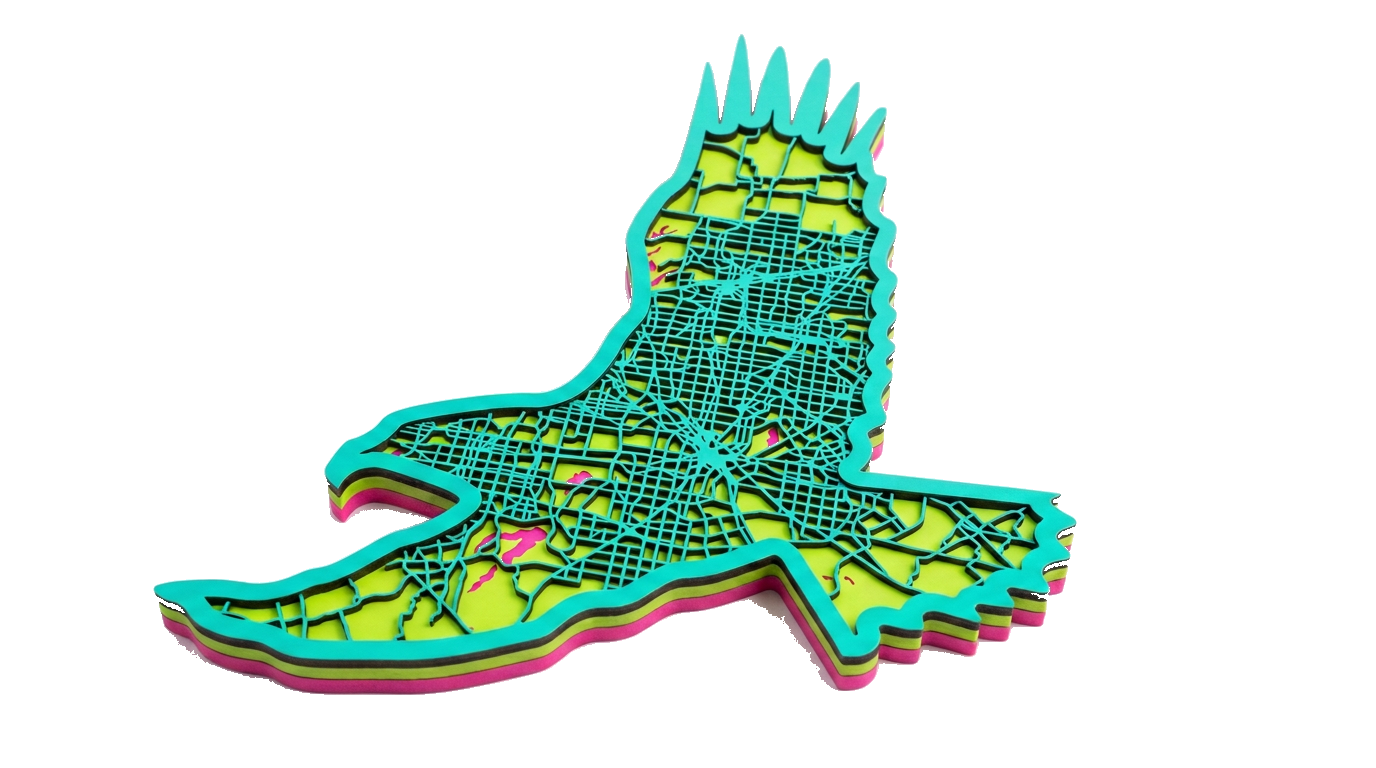
City
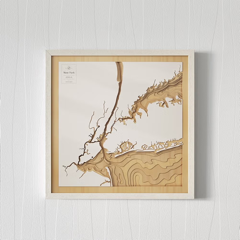
Streets, blocks and coastline cut as crisp, layer-separated vector parcels.
SVG · DXF · EPS · PDFAny place on earth, layered and laser-ready
Turn a city, a mountain range or a lake into a stack of cuttable vector layers: streets, water and terrain, each on its own material. Ready to cut, engrave and assemble.
14-day free trial · every Maker Studio app included
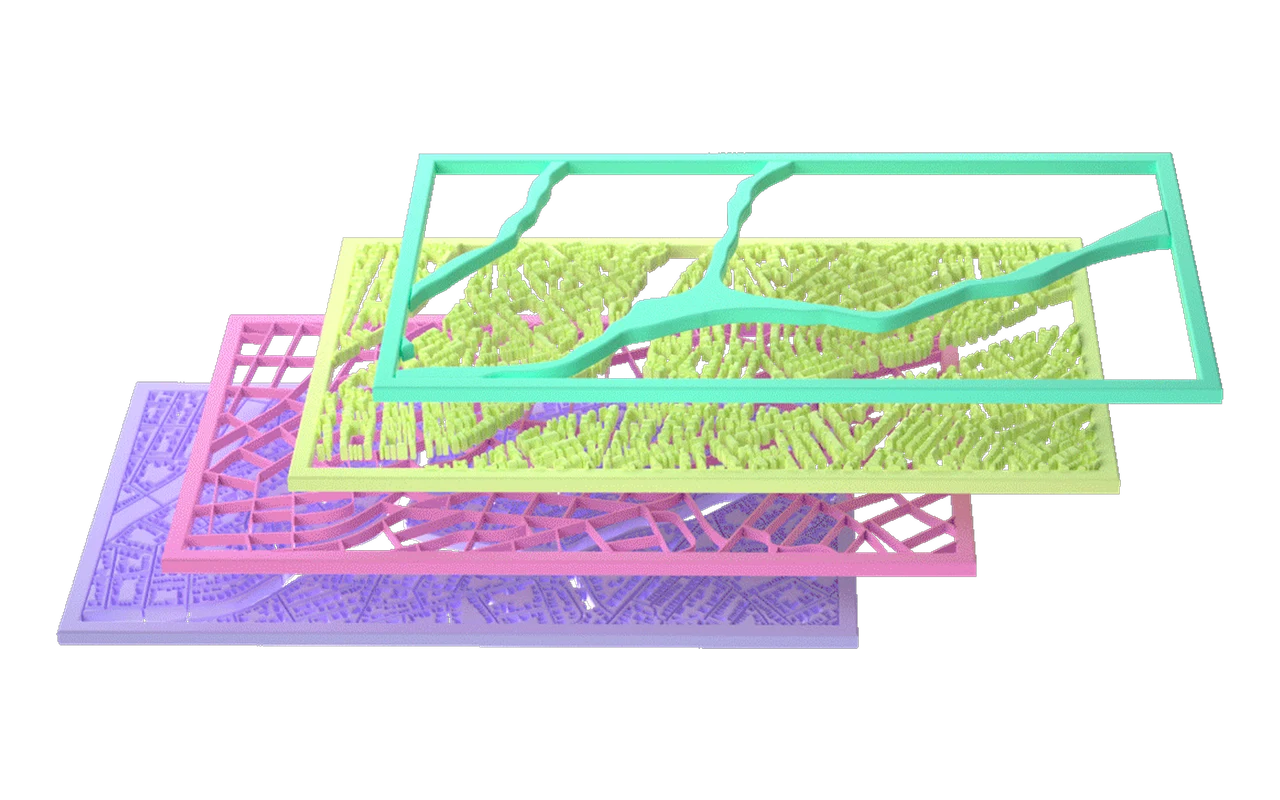
Search any address, city or landmark and frame it in a shape: a rectangle, a circle, or the outline of the place itself.
Choose what goes on each layer and each material: streets, water, terrain, text. Start from a community template and make it yours.
Download clean, layer-separated vector files and send them to your laser.
Streets, blocks and coastline cut as crisp, layer-separated vector parcels.
SVG · DXF · EPS · PDF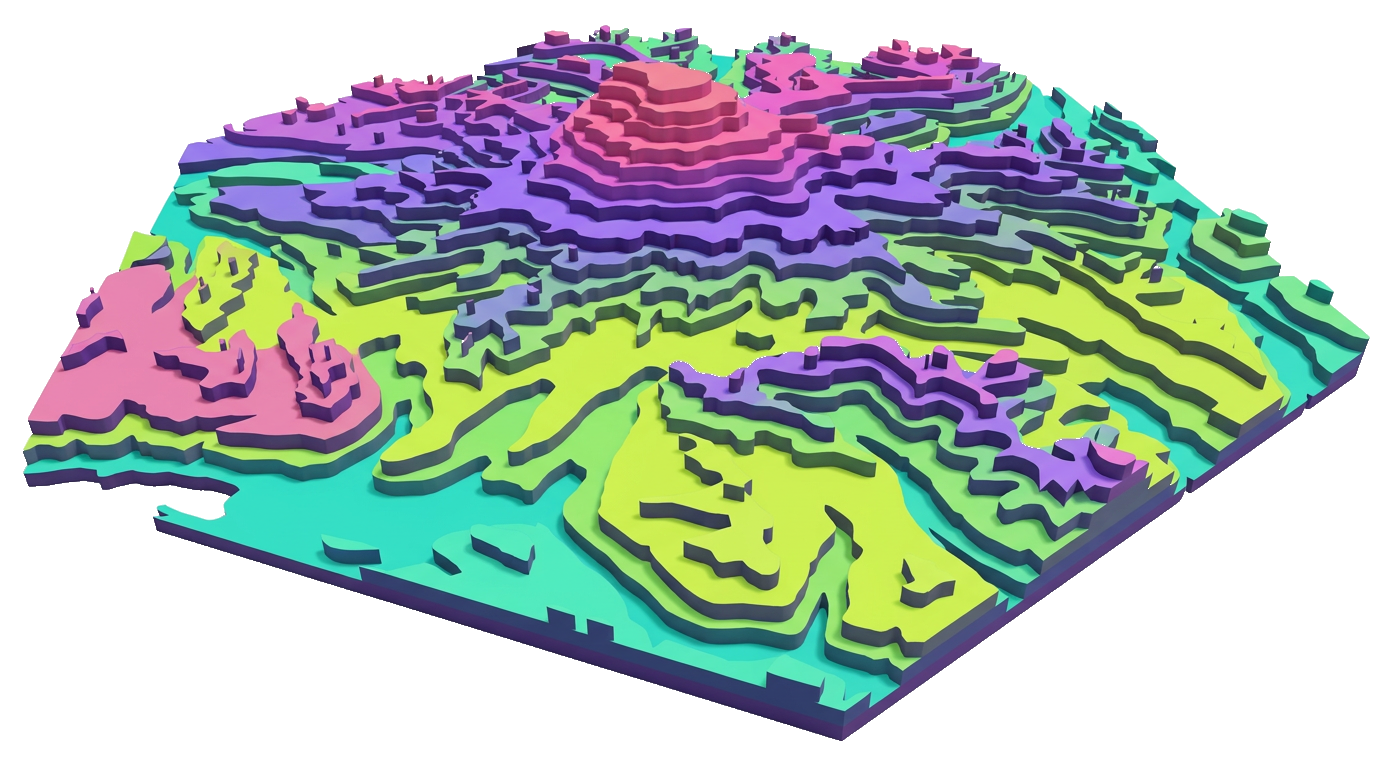
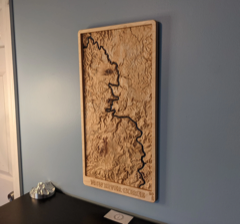
Elevation contours stacked into clean, cuttable bands that read like a physical relief.
SVG · DXF · EPS · PDF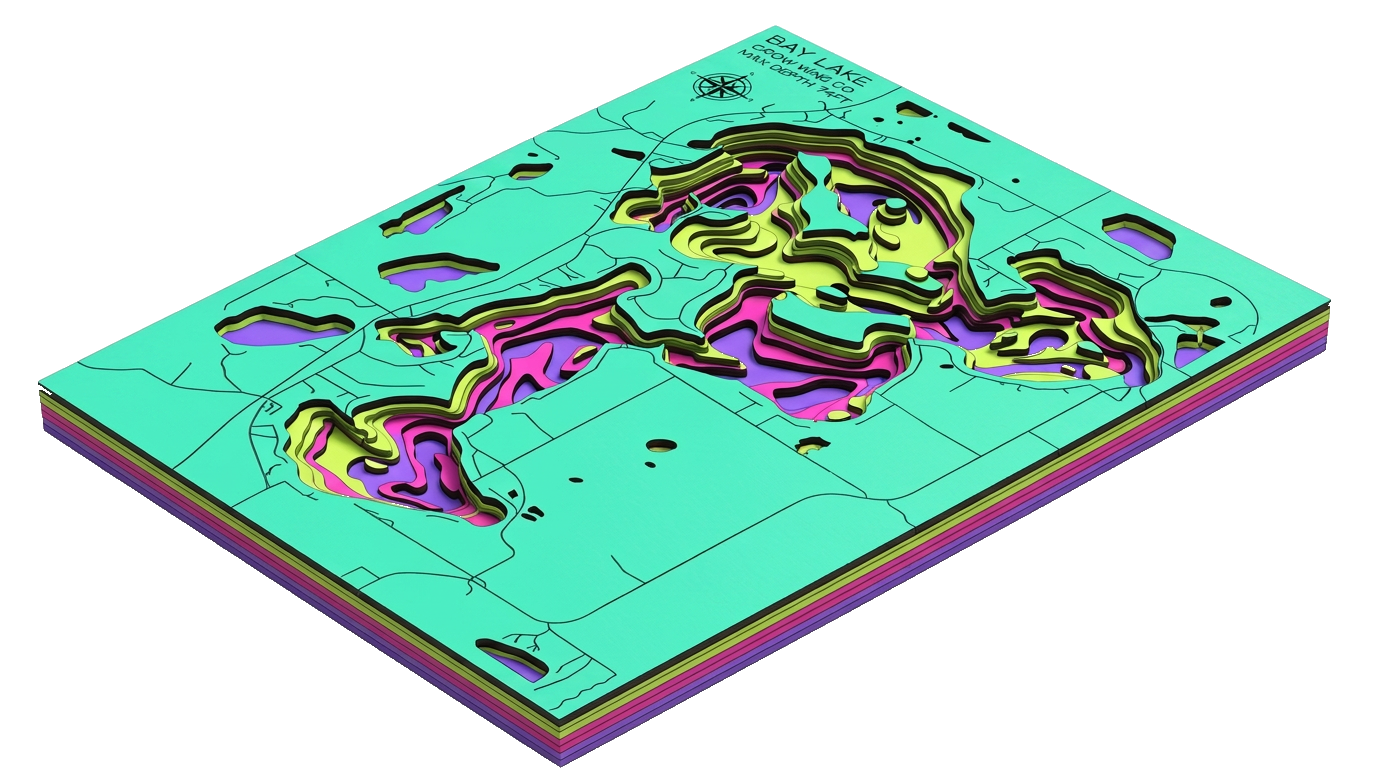
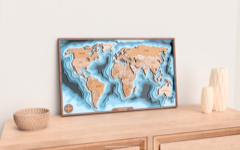
Water-depth contours layered for lake and ocean floors, each ring its own material.
SVG · DXF · EPS · PDFStandard files, nothing proprietary. Open them in the software you already use and send them to your machine.

Open Layered Maps right in xTool Creative Space's Applications tab, and design and export without leaving xTool.

One-click hand-off of LightBurn-ready files.
Start with free tools. Upgrade when you need more.
One yearly plan for your whole group, sized to how many people you have. Pay by card or purchase order.
Start free for 14 days. Every Maker Studio app is included.